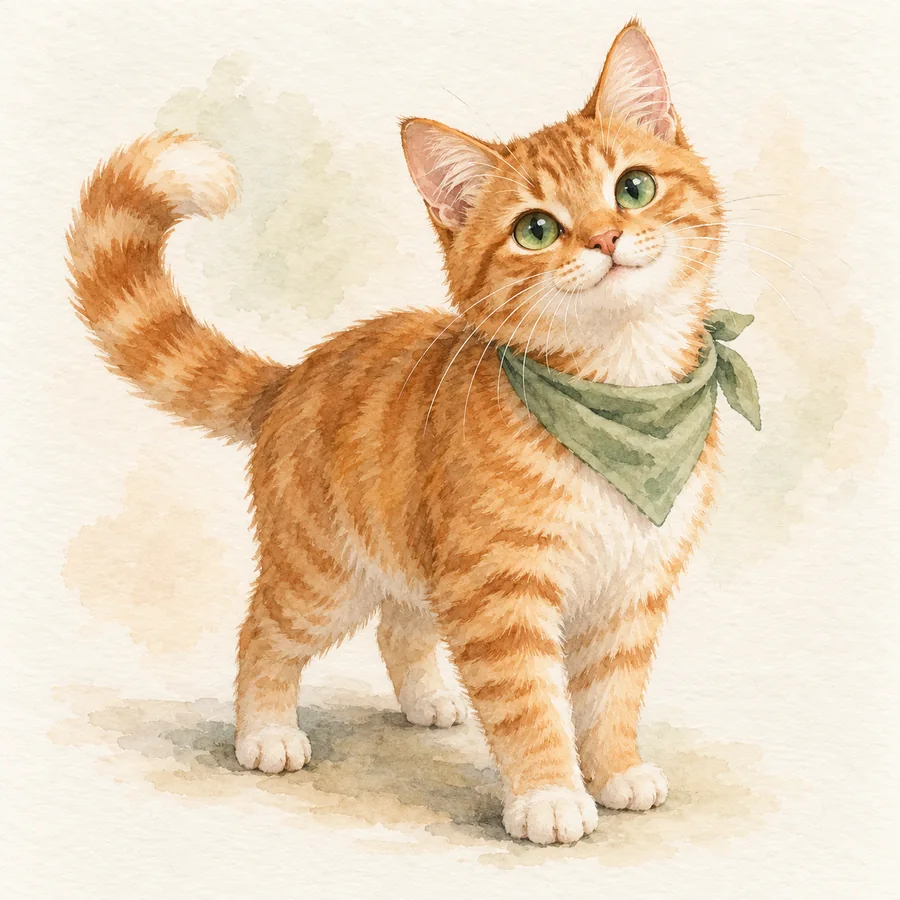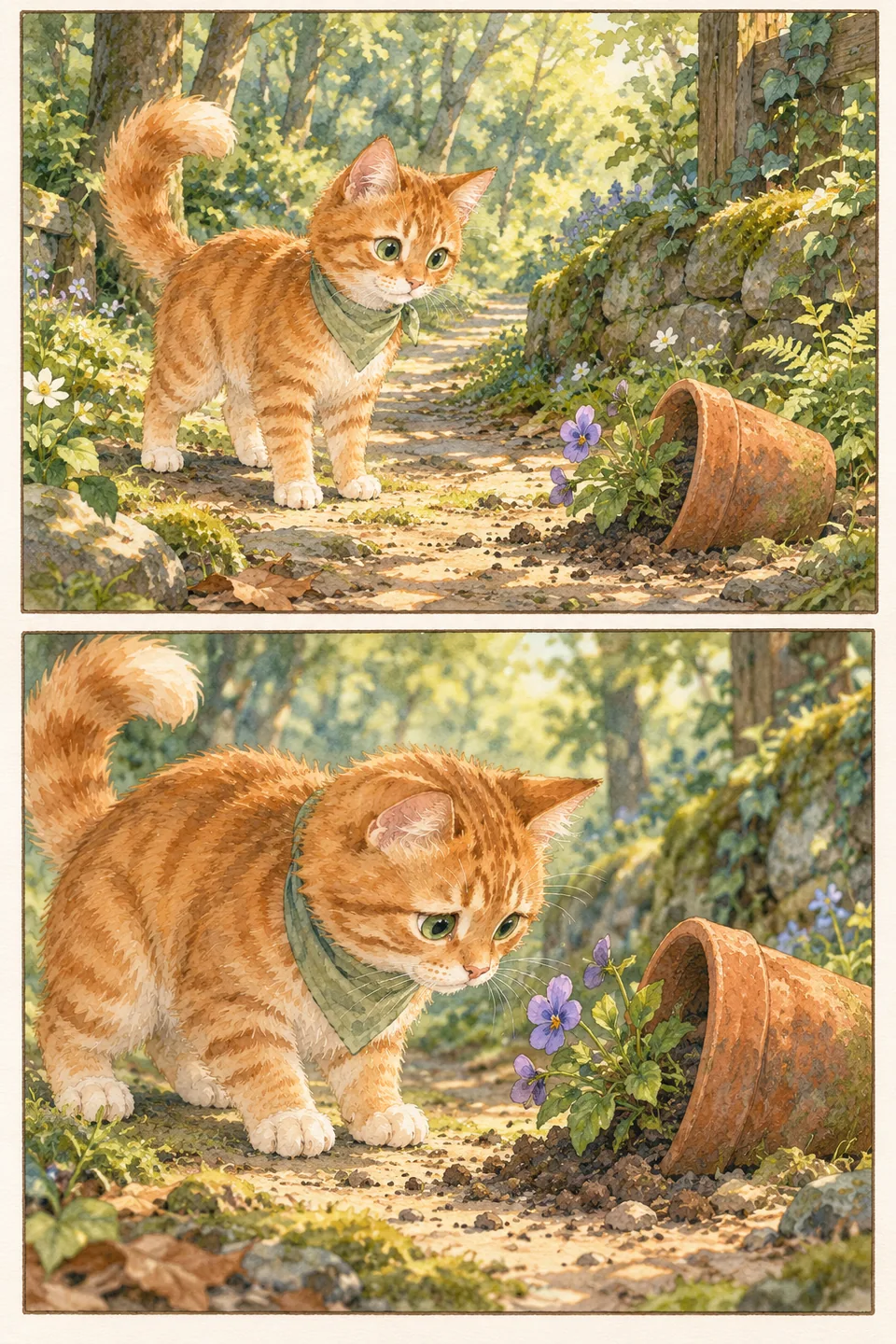
Choose one event with a visible change
Write down what happened before deciding how it should look. For example: “Milo loses his favorite ball under the sofa, tries to reach it, and discovers that asking for help works.” Keep the story centered on that event rather than several unrelated adventures.
Name the desire, obstacle, and outcome. Milo wants the ball; the space under the sofa is too narrow; someone helps him retrieve it. Decide what feeling you want the ending to leave: relief, affection, surprise, or a gentle joke. You can invent a fictional character inspired by your pet and keep the incident’s emotional truth.
Give each page a job
Use page one to establish the character and the object they care about. Page two introduces the problem. Page three shows a meaningful attempt or a new idea. Page four delivers the result and the reaction. This structure is a planning aid, so adjust it when the story needs a different rhythm.
For Milo’s ball: happy play; the ball rolls away; a failed paw reach becomes a request for help; the ball returns with an affectionate moment. Write one sentence per page. If two pages do the same job, combine them or give one a clearer change.
Break the page into readable moments
Start with two to four panels per page rather than packing in every movement. Each panel should show one main action or reaction: the rolling ball, Milo looking down, a paw reaching, then a puzzled face. Include enough space and a clear reading order so the reader can understand the sequence without guessing.
Use framing deliberately. A wider view establishes where the sofa and pet are; a closer view can show a crucial expression or the ball just beyond reach. Repeat a useful viewpoint when it helps readers compare before and after. Describe who is present, what changes, and which object must remain visible.
Write only the words the pictures need
Draft captions and dialogue after the visual sequence is clear. A panel showing the ball rolling under the sofa may not need a caption repeating that. Words can add a thought, a sound, or information the image cannot show. Read them aloud to find phrases that slow the story.
Keep your original storyline and the text for each page in separate notes. That makes revisions easier and protects the events you want to preserve. If a generated illustration includes incorrect lettering, correcting a separate caption will not change the image itself; check the artwork and the accompanying text independently.
Review the whole story before making a book
Lay the pages in order and review at a comfortable reading size. Check that Milo’s important markings stay recognizable, the ball has the same appearance, and the sofa’s position makes sense. Then ask whether someone unfamiliar with the incident can follow the problem and result. Fix the most confusing moment before adding decorative details.
EnSketch’s developing comic workflow connects a storyline with chosen characters and an art style, then organizes pages for creation or import. Page text can be reviewed separately, and the desktop workflow includes PDF output. Use the four-page plan to prepare your story and note changes that need another illustration pass.
Prelaunch preview. Public downloads are not available yet.
Explore the studio